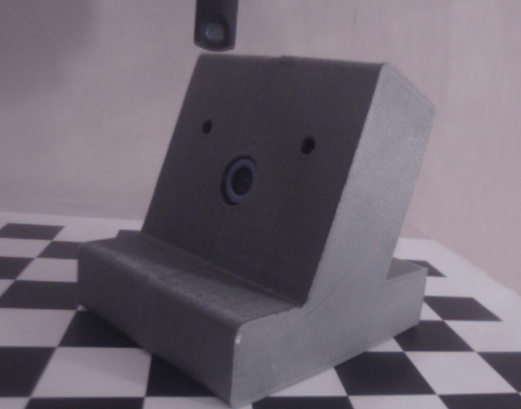
PutPi : The 3D printed camera housing
02 June 2014
Design
The "new" camera needed a new housing. After designing, testing, adjusting, printing and re-designing, testing etc I ended up with a nice pile of junk (:mrgreen:)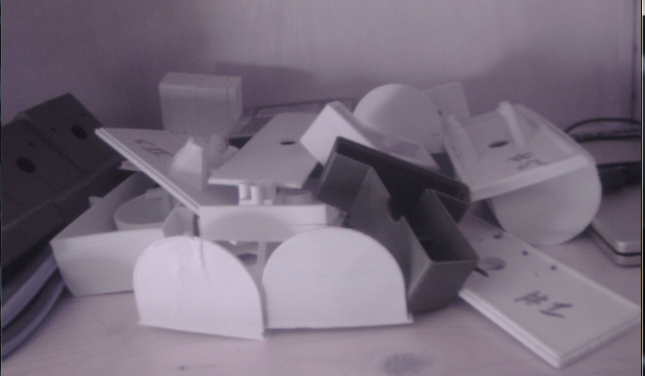
However the final design was rather nice and had extra space for feature options.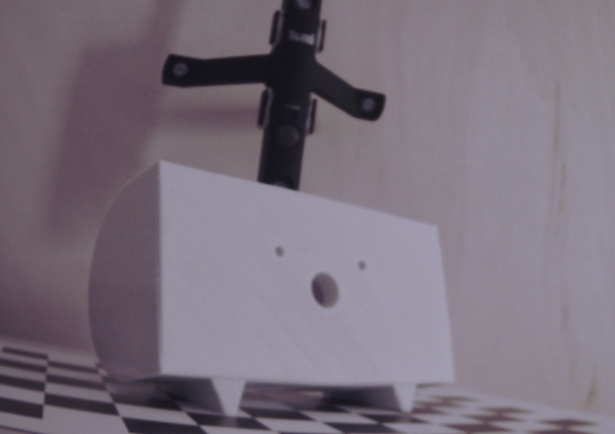
But after several extra 3d printing runs I decided that this design was too difficult and took too long to print (more then 6 hours). So I made a new design, easier and faster to print (3 hours), less space but still enough for possible new features.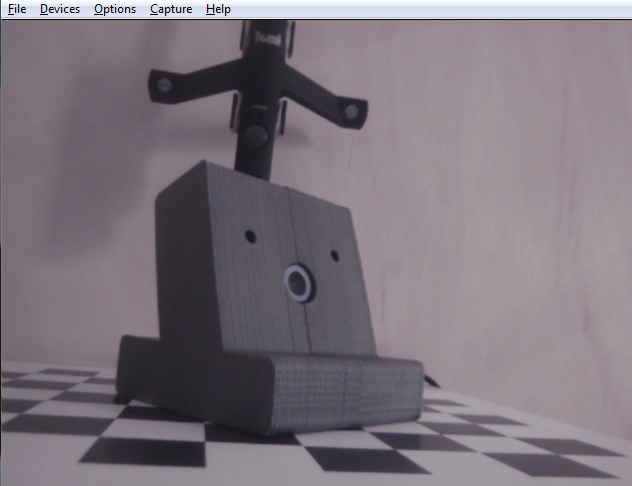
3D Design Files
These are the three design files you need to print the parts of this housing. If you don't own a 3D printer try to find a Fab lab in your neighborhood and ask them to print it for you. (FabFoundation)
Right side:
Left side:
Board holder:
Assembly
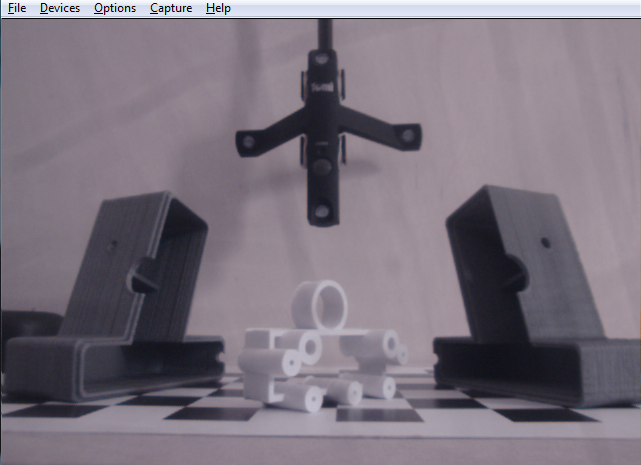
After printing them this is what you will have:
1) Use the screws with which the board was set in the original housing to connect the board to the new 3d printed board holder.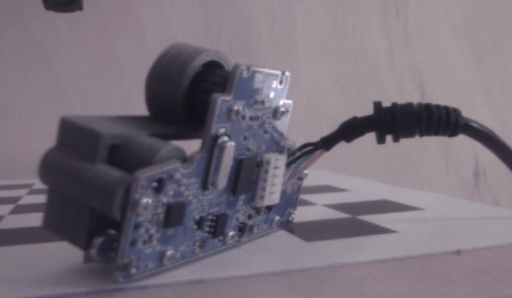
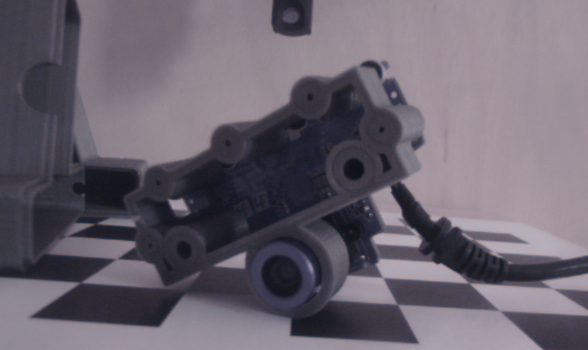
2) Put the board holder combination in the left side part of the housing.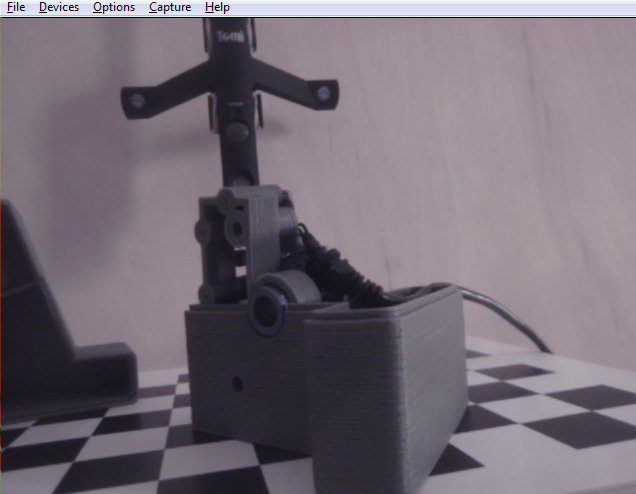
Pay attention to how you fit the USB cable in the housing and around the board.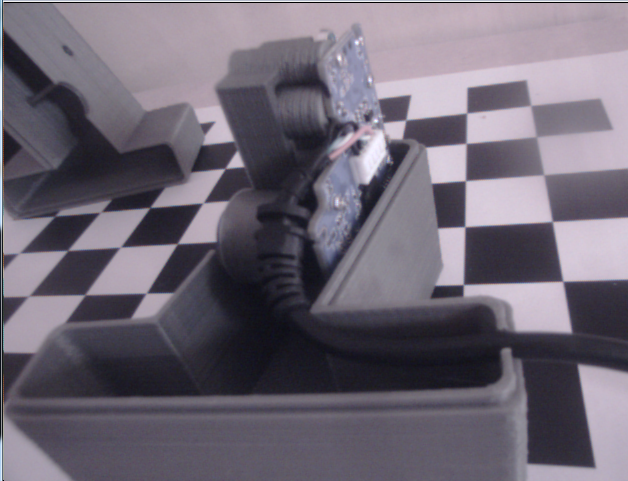
3) Click the right side on the left side. Don't force it. It should fit rather good. For permanent assembly you could put some glue around the internal sleeve.
End Result
This is how the end result should look like: